Concept interface · TraceHaus · Pasadena
Measurements pass between tools.
Datum 7 is a set of seven measuring instruments in one carrier. The caliper, micrometer and angle finder are digital, and each has three contacts on its back for power, ground and data. Datum Link is the software those contacts were designed for: press DATA and the reading leaves the tool with its feature, unit and time, gets checked against the CAD nominal, and the next feature appears on the instrument that should measure it.
- 01No number copied by hand
- 02The software tells the tool what to measure next
- 03One zero reference shared across the kit
- 04Readings written back into the model
Everything below is a working concept prototype. The part and all values are illustrative.
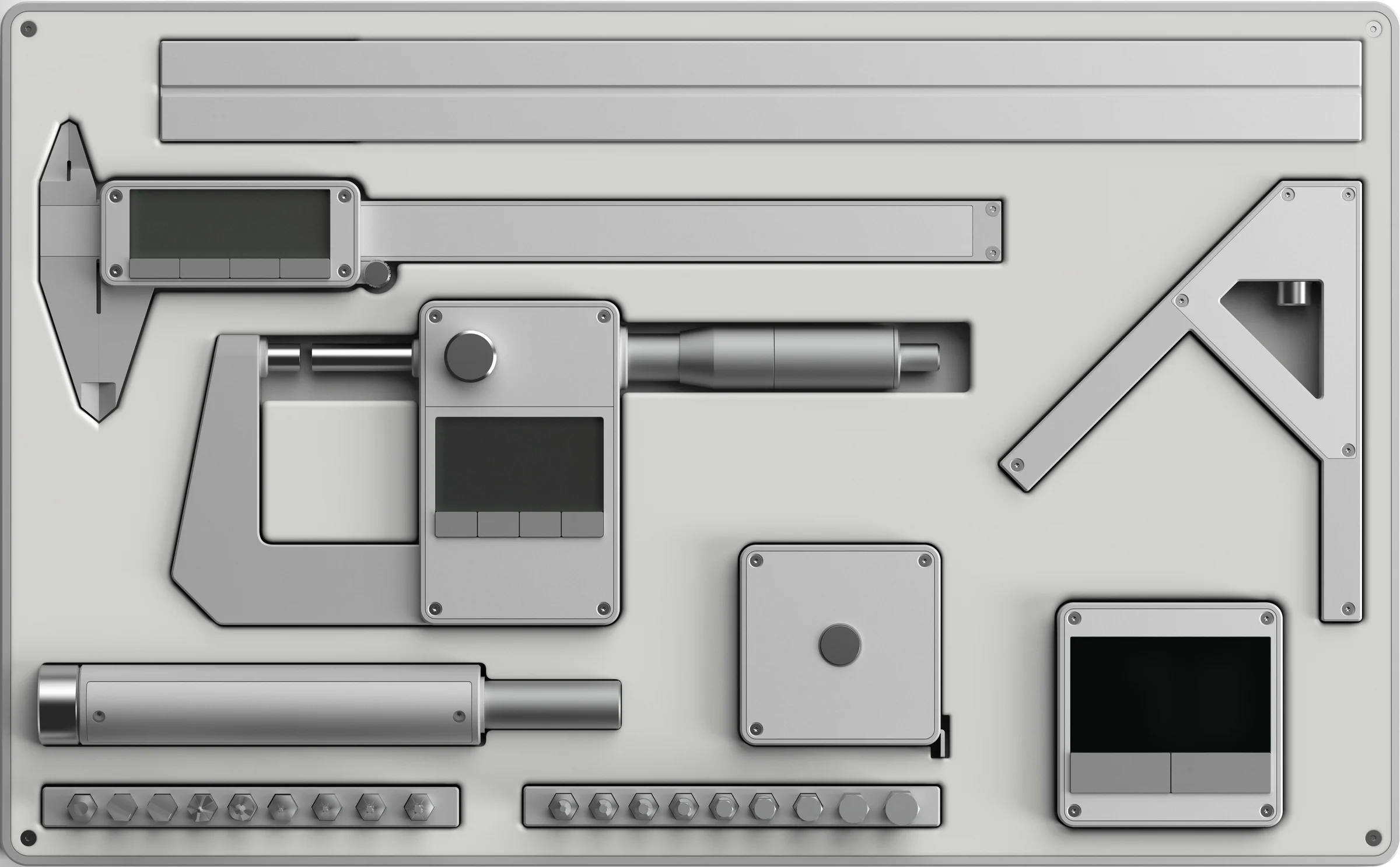
Select an instrument. Each digital pocket has spring pins under the tool's three back contacts; a pocket is powered only while a unit sits in it.
Features · 6 of 9 selected
Part · side view
Click a feature to see where it sits on the part. Datum Link reads the nominal and tolerance from the CAD and proposes an instrument.
Inspection sheet · filled by the instruments
mm unless noted| ID | Feature | Nominal | Tol. | Measured | Instrument | Δ | Status |
|---|
Activity
Last 30 readings · deviation from 18.000, µm
band ±5 µmDeviation as a share of each tolerance
In OutOn the instrument
The display stays one number. The link adds four legends.
Nothing on the tool changes shape. link, sent, out and ref a join the existing mm / in / frac / hold / batt, set the same way: lit when they apply, dim when they don't.
Flow
From the carrier to the model.
- 01
Kit
Tool: drop it in its pocket. The contacts identify it, pair it and charge it.
App: what's present, charged and linked.
- 02
Setup
App: features and nominals from the CAD; the instrument chosen by the 10:1 rule.
Tool: nothing to do.
- 03
Inspect
Tool: the display shows the next feature and its target; DATA sends the reading.
App: the sheet fills itself.
- 04
Live
Tool: ZERO on Datum A and the other tools follow.
App: one tool up close, with its spread.
- 05
Report
App: pass or fail, and readings written back into the model.
Tool: back in the carrier, charging.